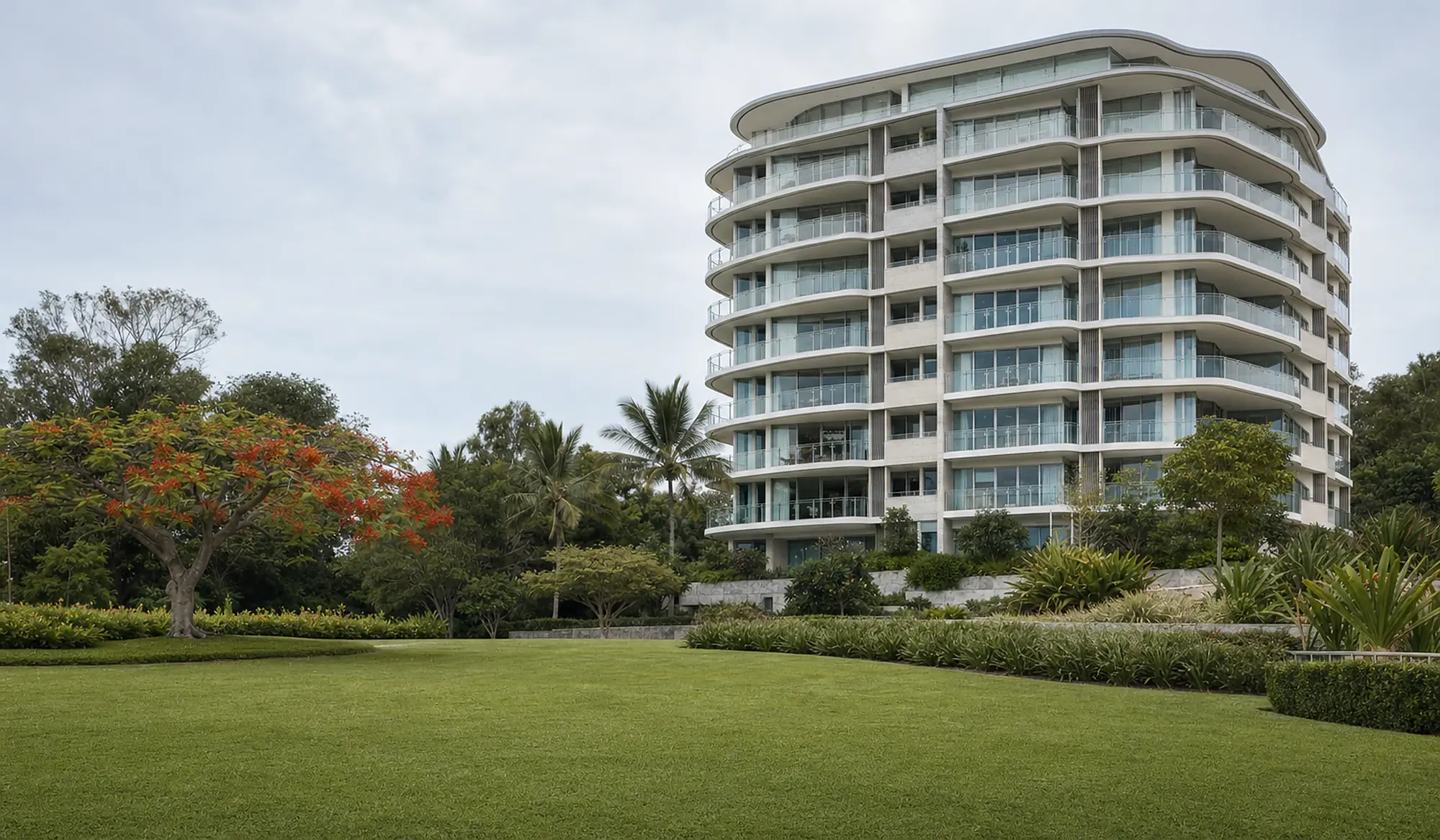
Know who was in the building.
A sign at the door. Contractors scan it and sign in on their own phone. A record of who came, who left and when lands in your inbox every Monday. If you issue keys or fobs, it records who holds those too.
Try the 30-second contractor demo No app. No account. Just scan, fill in the form and you are signed in.
$39 a month per building, billed yearly. One price, any size.
Most buildings only notice the gap once.
Something happens, somebody asks who was in the building that day, and the honest answer is that nobody wrote it down. That is the whole problem. Everything below follows from it.
Built for strata buildings that need a contractor attendance record, without paying for a full building management system.
Water through a ceiling, a scratched lift door, a gate left open overnight. The first thing anyone asks is who was in the building that day, and right now the answer is somebody’s memory.
One screen shows everybody signed in and not signed out, how long they have been in and where they said they were headed, with their number to ring. It is not a roll call, because somebody who walked past the sign is not on it, but it beats standing in the car park guessing.
If you hold a caretaking agreement, the question that comes up is who was here and when. The register answers it from the record rather than from memory. It records attendance, not the work itself.
The contractor scans a sign and fills in three fields on their own phone. No app to install, no account, no password, no kiosk to buy, no tablet to charge, and nobody coming to your building to fit anything.
Business name, contact name and mobile, plus three things it records on its own. No documents, no licences, no insurance certificates, no photographs. Less to protect and less to go wrong.
Monday morning, in your inbox, whether you remembered it or not. You can also pull a report for any date range the moment somebody asks for one.
$39 a month, billed yearly, for twelve units or three hundred. No per lot maths, no per user seats, and no quote to chase.
If you issue keys and fobs to contractors, the register records who took what, when it is due back if you agreed a date, and when it came back. One that has not come back stays on the screen until it does, and one past its date is marked overdue and sits at the top of the list. It is off until you switch it on, and it is included in the same $39.
Three steps. You do one of them, once.
The whole system is a sign, a phone and an email.
Sign up and print
Your building’s code is generated the moment you sign up, and your signage is kept in your account: A4 for a noticeboard, A5 for a door, a small label for a gate. Print what you need on the office printer. It stays there, so you can print it again any time.
The contractor signs in
They scan the code and fill in three fields on their own phone, four if the building asks which part of the building they are going to, then get a text with a link to sign out when they leave.
The record arrives
Every Monday morning a report of the week lands in your inbox. You can pull a report for any date range whenever you need one, and switch on an email as each contractor signs in or out if you want to know as it happens.
Sign in on your own phone, the way a contractor would.
Point your phone camera at the code and sign in to an example building.Tap the button to sign in to an example building. It takes about thirty seconds. Nothing you type is saved and no text is sent.
Or open the demo hereOpen the demo
Then see the manager’s side, the screen you would log in to: the week’s visits, the signage to print and the key register. No login, nothing to fill in.

The alarm goes off. Is anybody still inside?
Everything else here answers a question afterwards. This one answers it while it is still happening, on a phone, one handed, in a car park.
See the screen Included in the $39, with nothing to set up. Anybody signed in is on it from the day your building goes live.
Six things. Seven if you ask where.
The less it holds, the less there is to go wrong and the less there is to protect. Three are typed. Three happen on their own. The seventh is a tap, and only if your building asks for it.
Signing out is the hard part
Everyone signs in. Almost nobody signs out. Every system like this has the same problem, and a report full of people who never left is a report nobody opens.
So the contractor gets a text with a one-tap sign-out link. Anything still open at the end of the day is closed and marked as closed automatically, rather than pretending somebody signed out. The report tells you which is which.

This is the whole product.
It arrives as an email you can keep, forward to a committee or hand to an insurer. You hold the record, in your own inbox, whether or not you are still a customer.
And then it is deleted here. The visit register is purged every 90 days, with one exception: a key you have issued and not had back. Your weekly emails are the permanent copy. That is the right way round. You keep your building’s records, and there is no growing pile of other people’s movements on somebody else’s server.
| Contractor | In | Out | On site |
|---|---|---|---|
| Riverbend PlumbingDean Marsh · 0412 000 000 | Mon 07:42 | Mon 09:15 | 1h 33m |
| Coastal Lift ServicesAmrit Kaur · 0413 000 000 | Tue 10:05 | Tue 13:40 | 3h 35m |
| Parkview ElectricalSam Whitfield · 0414 000 000 | Wed 08:20 | Closed automatically | — |
| Harbour Fire ServicesNina Kostas · 0415 000 000 | Thu 06:55 | Thu 08:10 | 1h 15m |
| Riverbend PlumbingDean Marsh · 0412 000 000 | Fri 11:30 | Fri 12:02 | 32m |
See the full sample report, with the spreadsheet, the visits closed automatically and the optional sign-in and sign-out emails explained.
It keeps a record. That is all it does.
Plenty of systems will collect certificates, scan identity documents and run inductions. They cost more, they take longer to set up, and they make you responsible for holding all of it. This one does not do any of that, on purpose.

A small poster, and that is the hardware
Most buildings put the A5 on the reception desk or on the entry door as contractors come in. There is no kiosk to power, no tablet to charge and nothing to mount on a wall.
Your signage is generated when you sign up and kept in your account, so when a sheet gets wet or somebody takes it down you print another one.
One price. No tiers.
A twelve unit walk-up and a three hundred unit tower pay the same, because the work is the same. The price is per building. If you look after several, they sit on the one login and each is its own subscription. Your building gets its QR sign, the contractor register and the weekly attendance report.
- Unlimited contractors and unlimited sign-ins
- The weekly report, every Monday
- Reports on demand for any date range, as a spreadsheet
- Text message sign-out links
- An email as each contractor signs in or out, if you switch it on
- Your branded signage, kept in your account to print whenever you need it
- One login across all your buildings, each on its own subscription
- A proper tax invoice for your records, paid by card or on fourteen day terms
Thirty days notice either way. Your records come with you.
Most building systems charge per lot. At $2 a lot a month, a 100 lot building pays $2,400 a year. Here it is $468 plus GST, whatever the size.

Set up and looked after by Jeff Blaszkowski, after more than 12 years in Queensland strata. When you ring, you get me. About me
Anyone who is asked who was here.
Already running a building management system? It very likely includes a contractor sign-in, and you do not need this as well. Strata Check-In is for the buildings that do not have one: the walk-ups, the caretaker run blocks and the self-managed schemes still using a paper book at the door.
It holds very little, and not for long.
The privacy policy has the detail.
The ones that get asked.
What happens when somebody forgets to sign out?
They get a text when they sign in with a link to sign out in one tap. Anything still open at the end of the day is closed automatically, and the report says it was closed automatically rather than showing a time nobody entered. A record that admits what it does not know is worth more than one that guesses.
Does the contractor need an app?
No. They scan the sign with the camera on their phone and a page opens. There is nothing to download, no account to create and no password to remember. A tradesman who has never seen it before can be signed in inside thirty seconds. You can try the demo the same way.
How do I pay for it?
Two ways. Pay by card when you sign up and the building goes live straight away, with a paid tax invoice by email. Or ask for a tax invoice with fourteen days to pay by bank transfer, which suits a manager paying from the trust account. Either way the invoice carries the scheme number, because a body corporate needs it for its records. The card payment is taken on Stripe’s secure page. No card fee is added, no card is kept on file and nothing is charged automatically. It renews once a year. The renewal invoice arrives before the year is up, and it can be paid by card or bank transfer.
Does Strata Check-In prove that a contractor completed their work?
No. Strata Check-In records attendance, not the quality or completion of work. It provides a clear record of who attended the building, when they arrived and when they left.
Does this make the body corporate compliant with anything?
No, and anyone who tells you otherwise is selling something. There is no law in Queensland, New South Wales or Victoria requiring a body corporate to keep a contractor attendance register. This is useful because knowing who was in your building is useful, not because a regulation demands it.
All the questions, including price, setting up, signage and several buildings on one login.
Send your building details.
Tell me the building, then pay by card or ask for an invoice. Here is what happens next.
- I check the scheme number. CTS in Queensland, SP in New South Wales, Plan of Subdivision in Victoria. An invoice without it will not be paid by the strata manager.
- Pay by card and it is done. The building goes live as soon as the payment clears, and a paid tax invoice arrives by email. Or ask for the invoice: I email it, normally the same day, with fourteen days to pay.
- Your login arrives by email if you are new, and your signage is waiting in your account to print.
- The first report arrives the Monday after.